CtrlMovie Atlas
Develop your story.
CtrlMovie Atlas is the macOS story-development tool. It is where you work out a film before you write it: the basics of the script, the characters and how they change, the structure in sequences and beats, the scenes, the places and the world the story is set in — all in one project file.
- Characters and how they relate
- Arcs built on Lie and Truth
- Structure in sequences and beats
- The world and its rules
Next: the Atlas project becomes the knowledge base for the assistant in Creator.
More about Atlas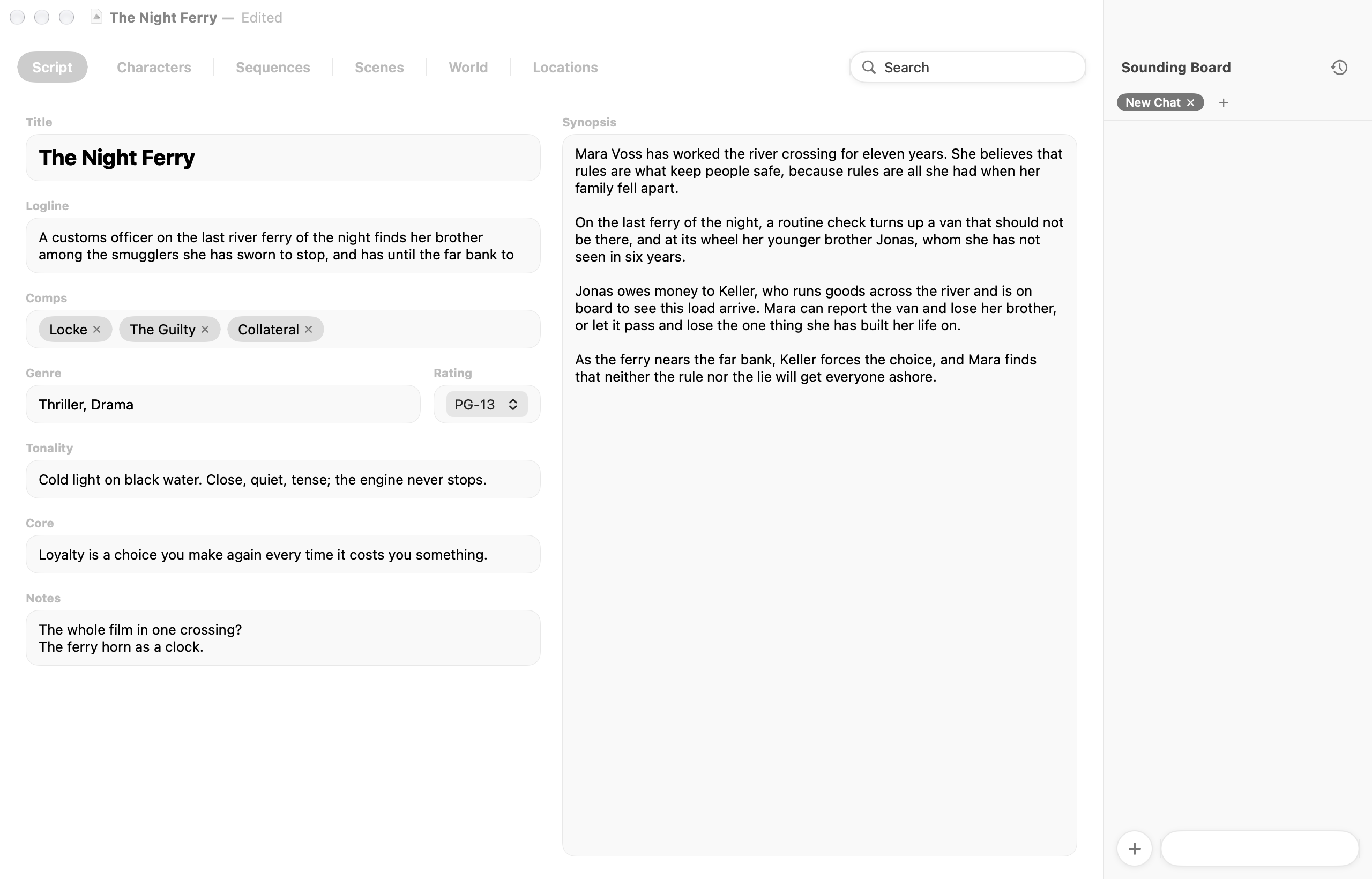

CtrlMovie Creator
Write branching screenplays.
CtrlMovie Creator is the macOS screenwriting application for interactive films. Write the script as a storyboard of segments that branch where the audience decides — screenplay text, decisions and the logic behind them all live in one document.
- Screenplay on a storyboard
- Stories that remember
- Read it like the audience
- Share scripts, collect feedback
Next: the locked script goes into production, and the film is authored in Editor.
More about Creator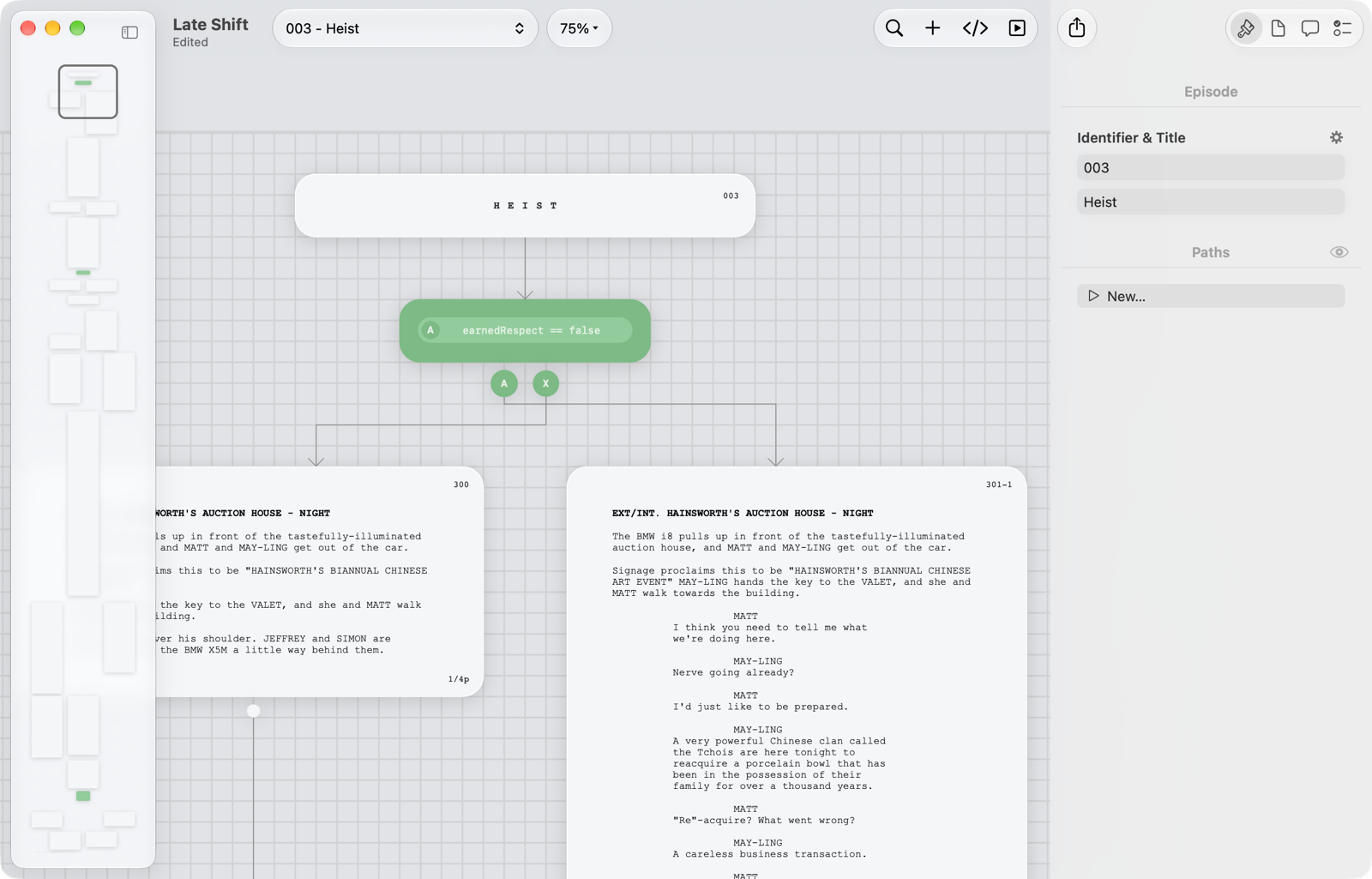

CtrlMovie Editor
Author branching cinema.
CtrlMovie Editor is the professional macOS authoring tool for interactive, branching-narrative films. Design the story graph, script every branch in Lua, edit the timeline, simulate the audience experience, and produce a distribution master for cinema, mobile, game console and CtrlMovie streaming — all in one document.
- Visual story graph
- Frame-accurate timeline
- Simulate the whole audience
- Master for any screen
Next: the master goes to apps, to streaming and, for cinemas, to Packager.
More about Editor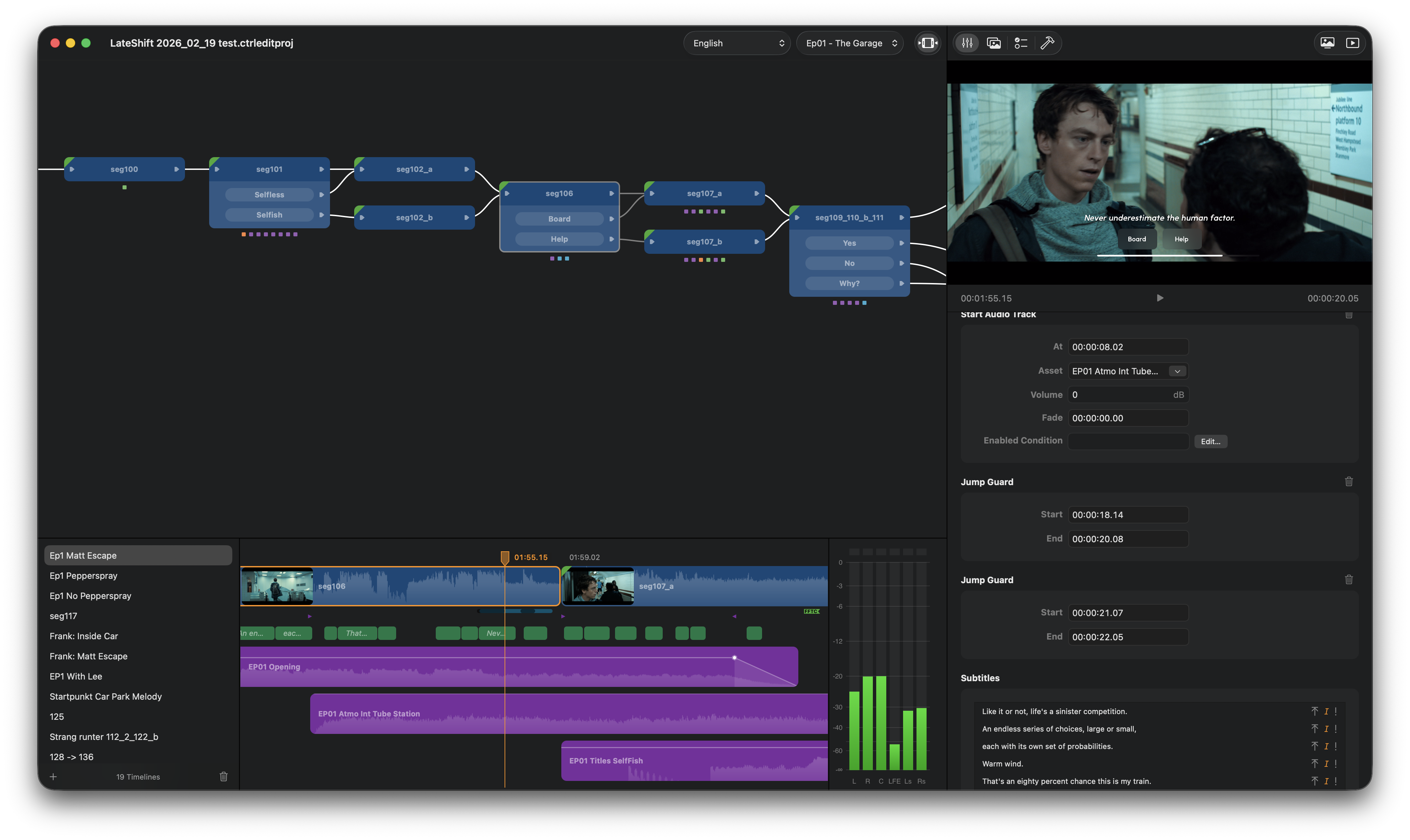

CtrlMovie Packager
Deliver to cinemas.
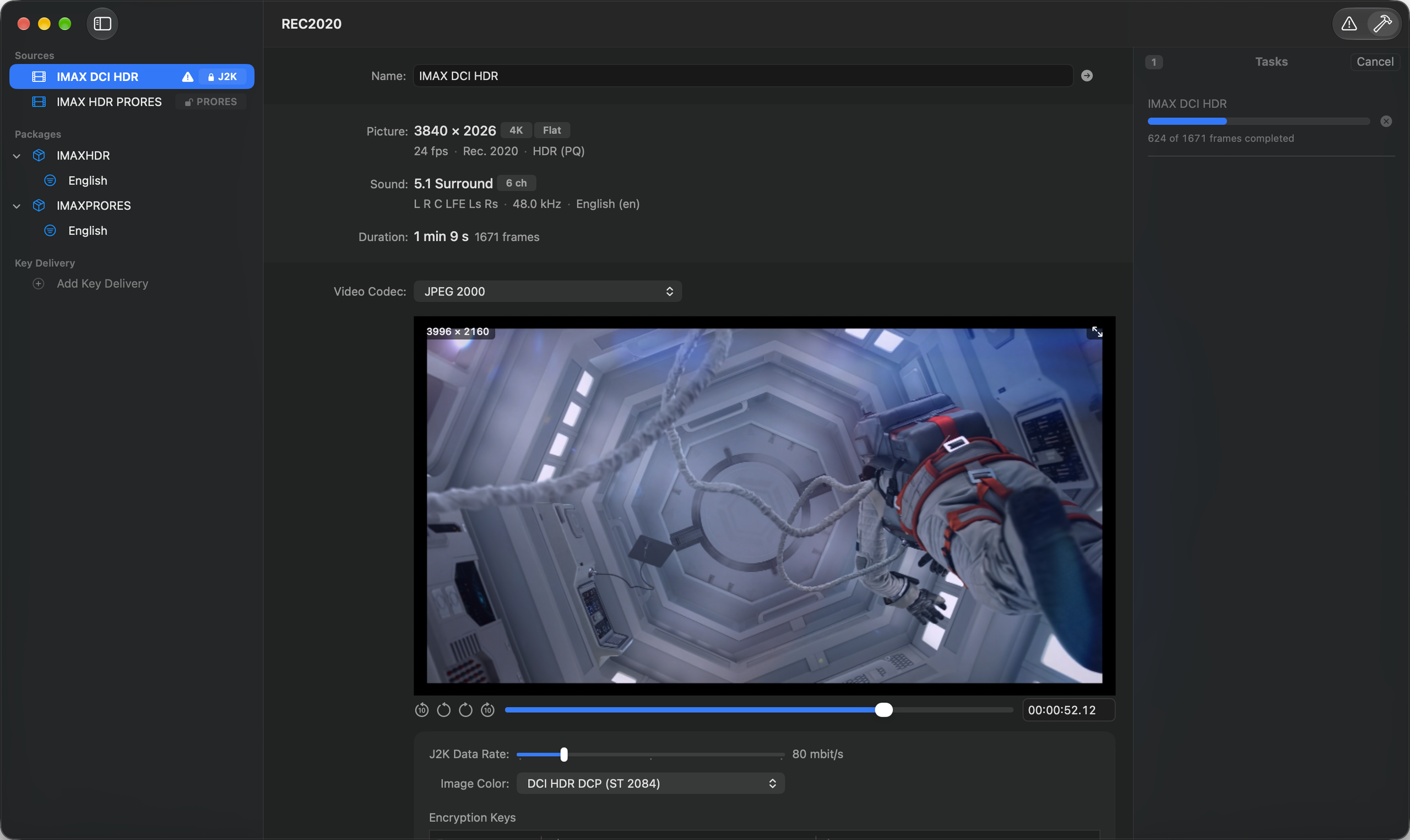
CtrlMovie Packager turns a finished film into a Digital Cinema Package (DCP), the delivery format of digital cinemas. It takes a Packager master rendered by CtrlMovie Editor, or a linear QuickTime movie, encodes picture and sound into MXF track files and writes the composition playlists, packing list and asset map — with encryption and key delivery in the same project.
- Encode for DCI 4K or 2K
- A faster JPEG 2000 encoder for macOS
- Packages and language variants
- Encryption and key delivery
Result: a DCP with its keys, ready for cinemas.
More about Packager